
- Go to the
 Menu → Shop Reports.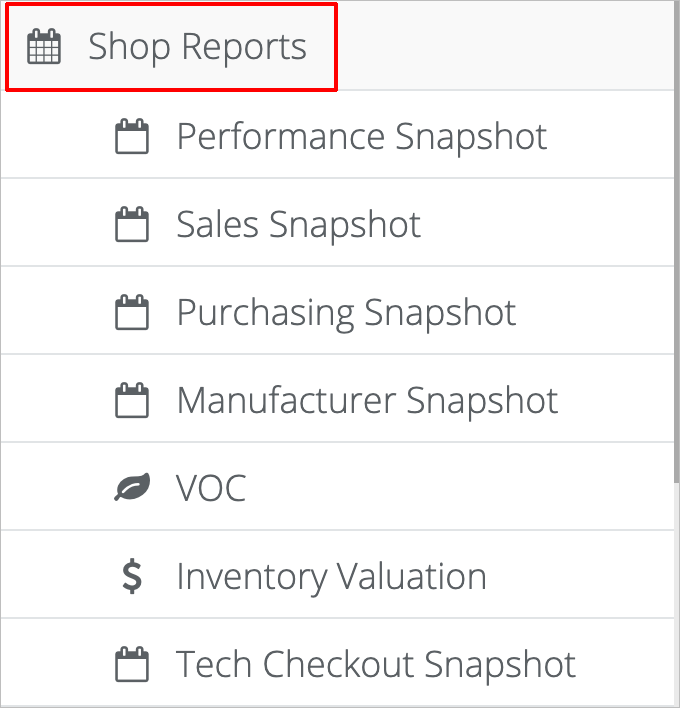
- On the main Reports page, click the Performance tab.
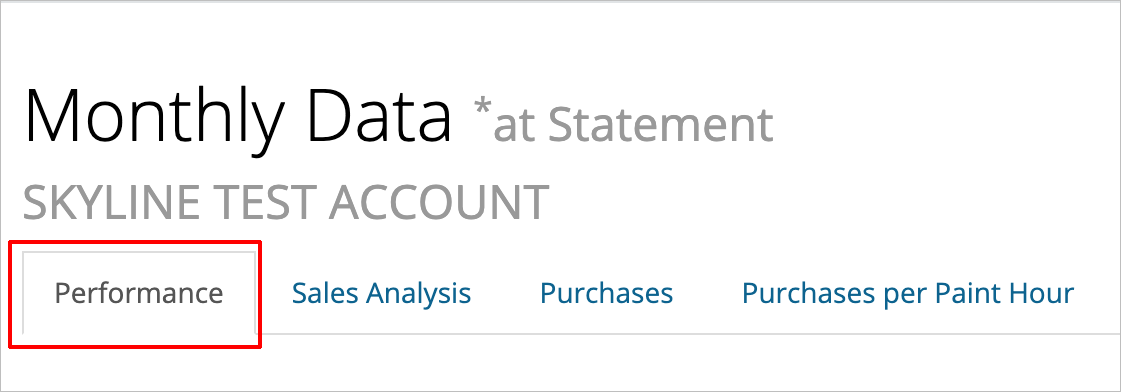
- You can view weekly, monthly, or quarterly reports by clicking on the Weekly, Monthly, or Quarterly buttons
 . And you can view the report by Per Hour, Per Hour Opportunity, Total, or Total Opportunity by clicking on the corresponding button
 .
.
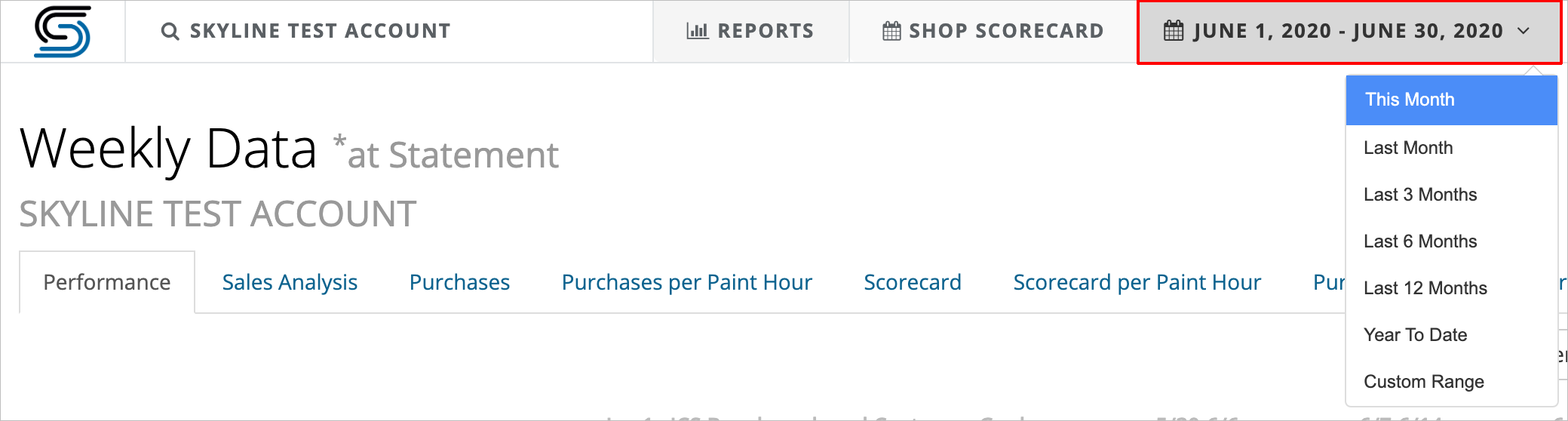
- To view the performance report for another time frame, click the gray date button at the top of the screen. From there, select the time frame you want to view.
How Tos: How to view performance reports. How to view performance reports for a different date.
Comments
0 comments
Please sign in to leave a comment.